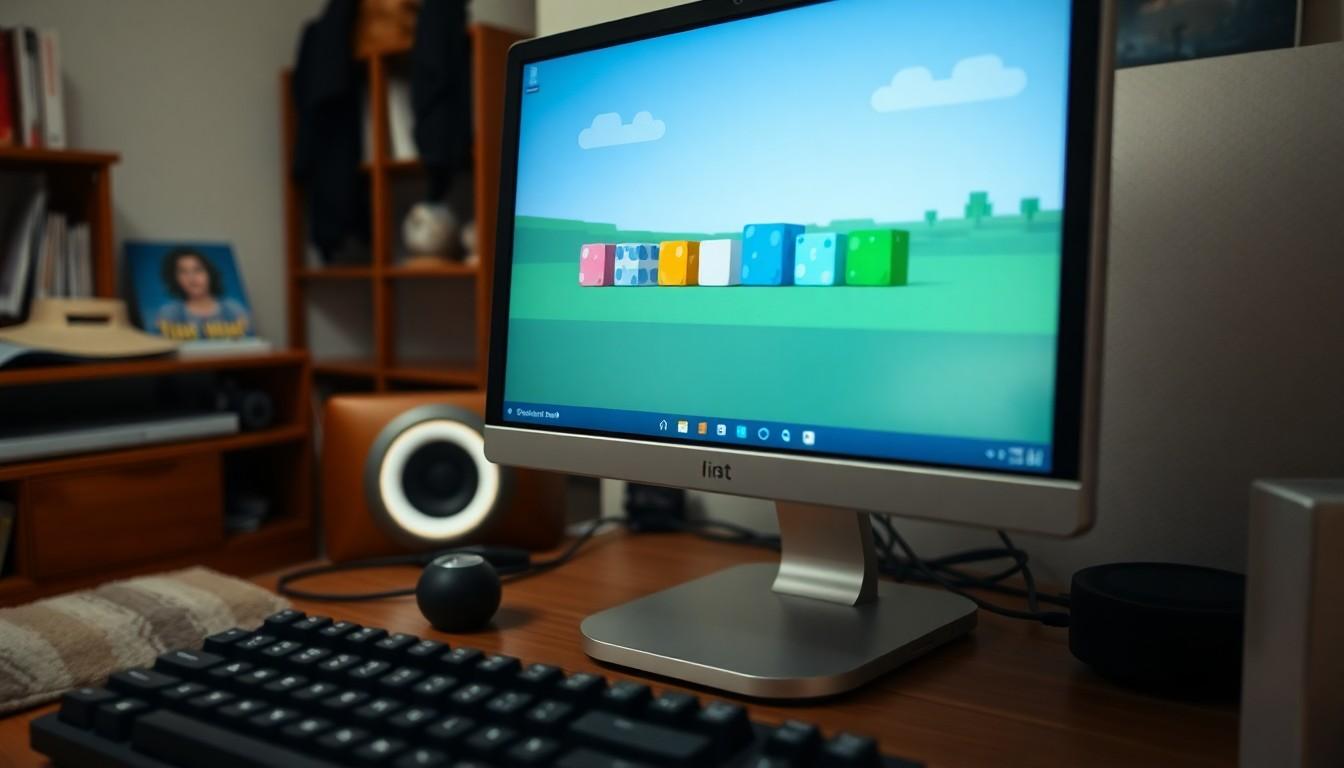
A Minecraft resource pack called Pride Model turns familiar slime blocks into colourful, animated displays inspired by 17 pride flags. The listing says it includes 17 custom 3D models and 505 texture files, so players can add a little movement and personal expression to their builds. Here’s what it offers, and how to try it.
Slime blocks get a colourful makeover
The Pride Model pack gives slime blocks a bright new look, with animated textures that bring the designs to life. Instead of changing the block’s basic role, it changes how it appears in the game.
The pack’s 9Minecraft listing says it contains 17 custom 3D models and 505 texture files. It names designs for Ace, Agender, Aplatonic, Aro, Aroace, Bigender, Bisexual, Enby, Gay, Genderfluid, Intersex, Lesbian, MLM, Pan, Queer and Trans flags.
That makes the slime block a small canvas for self-expression. Place one in a build and, according to the listing, its animated surface adds a moving detail to the scene.
What kind of pack is it?
Pride Model is described as a resource pack, rather than a separate gameplay mod. Minecraft Wiki explains that resource packs supply or replace game assets, including textures and models, which is how a pack can change a block’s appearance without being presented as a new gameplay system.
There are other pride-themed slime packs around, too. A separate Pride Slimes project on Modrinth lists 24 flags and two item changes, while another distinct Pride Slime release describes optional flag-selection features that require Respackopts. These are different projects, so their features and compatibility details shouldn’t be attributed to Pride Model.
How to activate Pride Model
The listing’s instructions are straightforward: open Minecraft’s Resource Packs menu and move the pack into the active column. Minecraft Wiki gives the same general approach for Java Edition, while also noting that Bedrock Edition handles imported packs differently.
Once the pack is active, load into a world and find a slime block. The listing suggests using the Creative inventory or crafting one in Survival mode, then placing it to see the custom model and animated texture. Look closely at the surface if you want to catch the motion.
Blockbench is optional
Two Blockbench source-model files are included for players who want to inspect or edit the designs. You don’t need Blockbench just to use the resource pack; the listing identifies it as necessary only for working with those source files.
Blockbench’s official website describes the programme as a 3D modelling and texturing editor, with tools for animation as well. So it’s a useful option if you’re curious about how the models are built or want to experiment with compatible files. The Pride Model listing doesn’t independently verify how each source file behaves, however.
Check the details before installing
The 9Minecraft page is the source for Pride Model’s stated feature counts, flag selection and included files; it’s a listing, not an independent test. Minecraft Wiki’s installation guide provides general help, but doesn’t confirm that this particular pack works with every edition or version.
Before installing, check the pack’s own compatibility information and follow the instructions for your Minecraft edition. That small bit of checking can save you from expecting a feature or setup step that belongs to a different pack.
A few animated slime blocks could be an easy way to give a Minecraft build a brighter, more personal touch.
Source Reference Map
Story idea inspired by: [1]
Sources by paragraph: